Axacon WMS – Web client
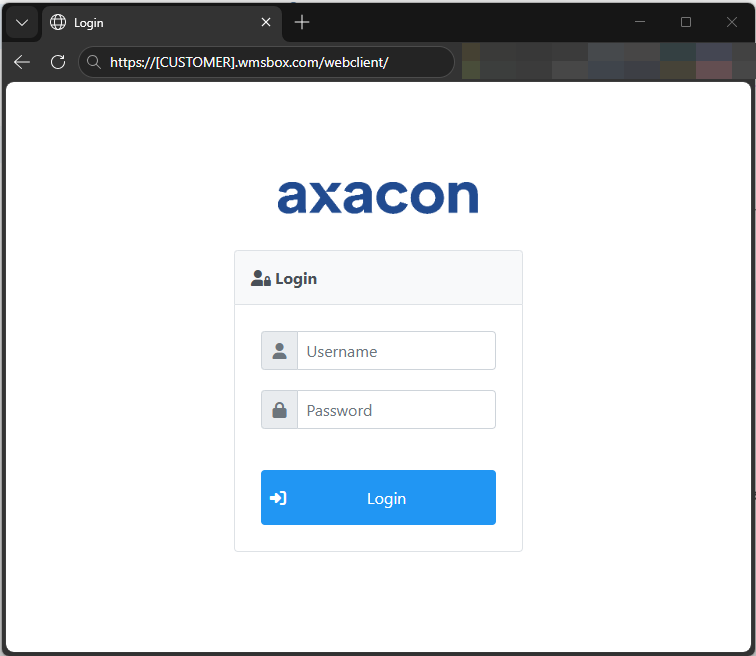
The Axacon WMS Web Client is a browser-based application that can be accessed through a standard web link.
The access link is provided by the Axacon team after the WMS environment has been fully configured.
Example:
https://[CUSTOMER].wmsbox.com/webclient/
Axacon WMS – Desktop client
We also provide a desktop client version for our WMS. Which is our main application destinated for super users and admins.
How to install the desktop client
- Install Java 21 or the latest (Download)
- Install OpenWebStart (Download)
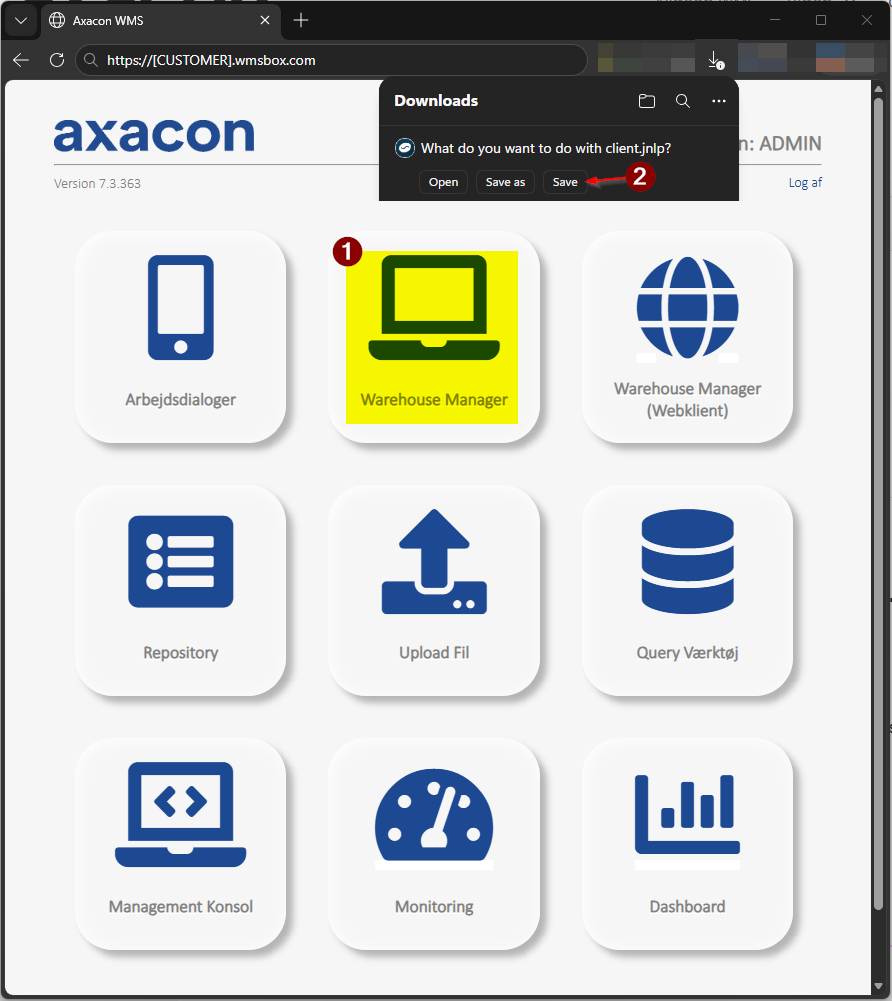
- Access customer’s owner Axacon WMS website:
https://[CUSTOMER].wmsbox.com/
- Download and after, start client.jnlp application
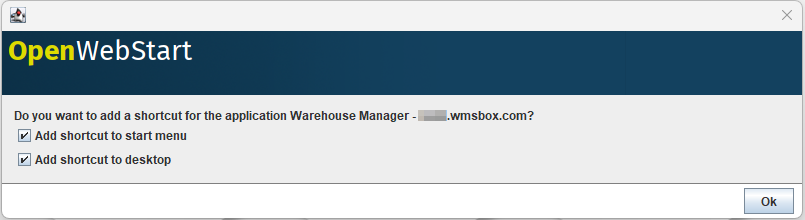
- Add the shortcut of the WMS client on the desktop.